
Searching Cases by Name
For an El Paso County case search tied to a court date, the free Colorado Judicial Branch Docket Search comes first. The link is prefiltered to El Paso County. Even so, you must add at least one filter beyond the date range before results appear. Individuals and businesses can both be searched by name. Attorney searches accept either a name or a bar number. Remember what the tool actually covers. It finds scheduled proceedings only, not every old case and not the whole Register of Actions.
- Choose El Paso County and a short date range that could include the hearing.
- Select individual, business, or attorney mode and enter the matching name fields.
- Add District or County Court, a case class, courthouse, or division when the name is common.
- Review the court, case number, hearing type, courtroom, time, and appearance mode.
- Use the clerk or authorized register service when the calendar does not answer the question.
| Field | Type | Use | Format or note |
|---|---|---|---|
| Party mode | Radio | Conditional | Individual or Business |
| First, last, or business name | Text | Conditional | Matches the selected party mode |
| Attorney mode | Radio | Optional | Name or Bar Number |
| Court Type | Dropdown | Optional | Both, County, or District |
| Date Range | Dropdown | Required | Today through six months, or a specific date |
El Paso County Case Search Limits
One distinction trips up nearly every El Paso County case search. "Docket Search" on the free state site is really a hearing-calendar search. A Register of Actions, or ROA, is different. It is the chronological case summary, and it can include charges, sentences, and minute orders. A filed pleading or signed order is a third product entirely. Displaying a case number on the calendar does not turn the calendar into an ROA.
The public access guide from the Judicial Branch lays out the routes to court information. It also explains where vendor data falls short.
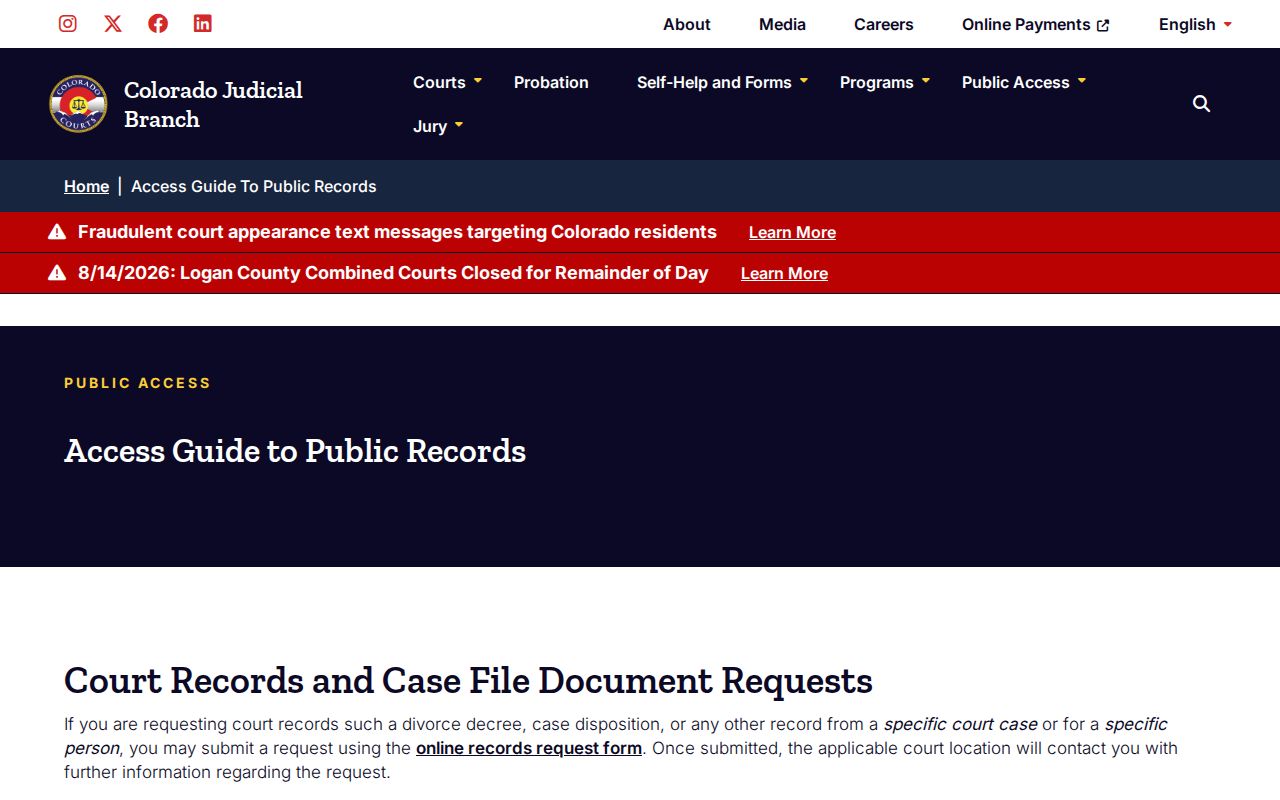
The guide helps you pick between a free calendar, a charged case register, and a clerk-issued official record. Those products are not interchangeable.
Searching by Case Number
A full number is the sharpest key for an El Paso County case search. The state form splits it into a four-digit year, a case class, and a one-to-six-digit sequence. A District Court criminal example reads as 2026-CR-123456. On the Docket Search, type each part into its own field instead of guessing punctuation. Older displays sometimes show a two-digit year even though the search field wants four digits.
The class letters matter. CR marks District criminal cases. M and T cover County Court misdemeanor or state traffic matters. C and CV are civil classes. DR, PR, S, JD, and JV narrow domestic, probate, small-claims, or juvenile work. A felony can start in County Court for an advisement. It can pick up a District CR number later. If one number fails, check the summons or order for the court level before you change any digits.
El Paso County Case Search Routes
Colorado does not offer a free statewide portal with full case detail. The Judicial Branch names certain commercial sources as authorized for real-time registers. One of them is CoCourts, which lets you search by charged name or case number. Treat its results with care. A hit there is not the official court record. Some cases may be missing, and no document copies come with it. So the clerk remains the final word for El Paso County court records whenever accuracy or authentication matters.
For one link in the El Paso County case search chain, the authorized register route shows its own official page. It also shows what it lists.
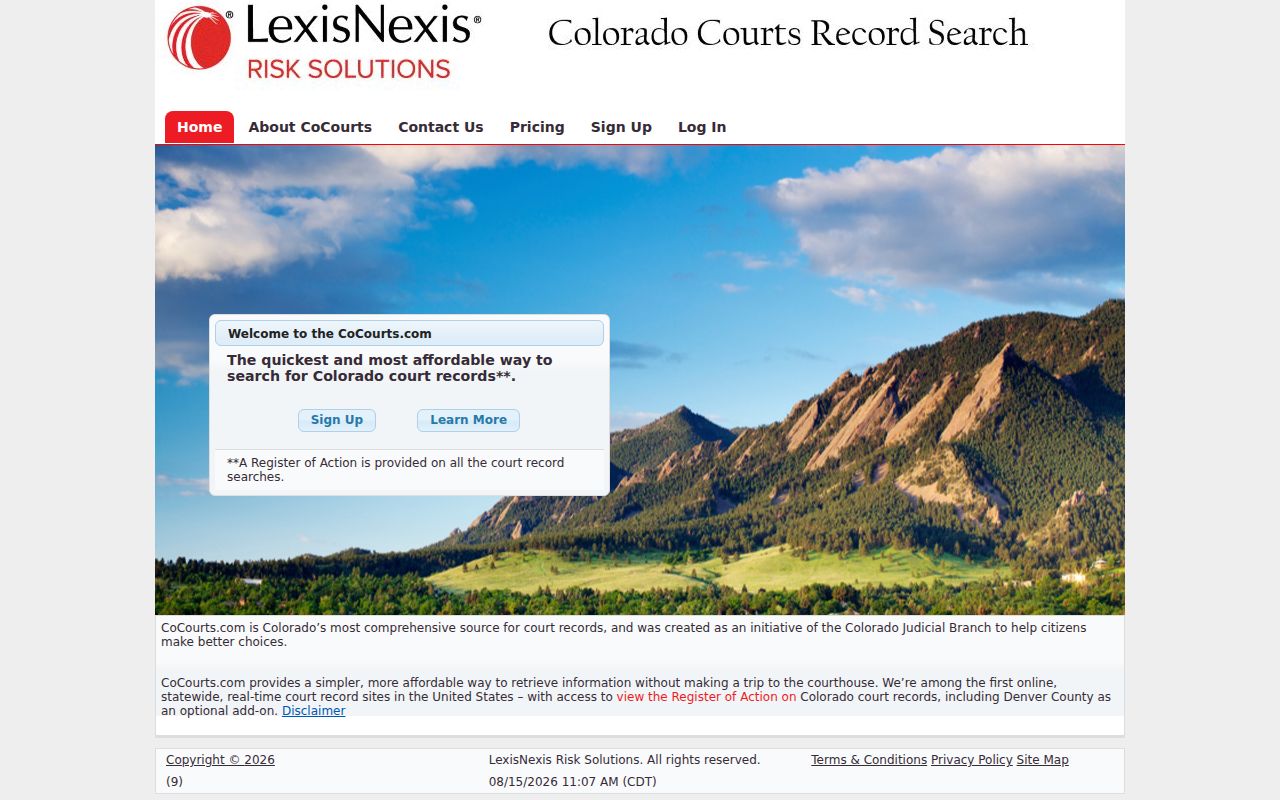
No vendor entry? Other routes exist. You can submit the statewide record form, email 04ResearchRequest@judicial.state.co.us, or mail a written request to the records team at the courthouse. In person, ask at Room S101. Call 719-452-5490 with any questions.
Best fallback: Ask the clerk for an ROA when the goal is case history, and name the exact filing when the document itself is needed.
What a Case Search Returns
A free El Paso County case search returns calendar fields. It can confirm a near-term event and the court unit assigned to it. Results support export and a printable view, with twenty rows per page. More than 5,000 matches triggers a request to refine the search. Narrow the county, date, court type, division, party, or case class. Do this instead of assuming the system failed.
| Date and time | The listed start for the scheduled proceeding. |
|---|---|
| Duration | The planned block, not a promise of when the matter will finish. |
| Name and case number | The public calendar identifiers for the setting. |
| Hearing type | Labels such as Arraignment, PreTrial Conference, Setting, or Show Cause Hearing. |
| Location and courtroom | The courthouse and assigned room or division shown in the result. |
| Appearance type | IN PERSON, TELEPHONE, or VIRTUAL as displayed for that event. |
The result does not prove the complete filing history, plea, disposition, judgment, or contents of an order. If the calendar and case history seem to conflict, pull the ROA and the latest notice or minute order.
El Paso County Case Search Filters
District, county, courthouse, division, date, and case class filters each solve a different search problem. Court Type separates general-jurisdiction matters from limited ones, and Division narrows a known assignment. Case class tells CR apart from CV, DR, PR, S, M, or T. Use facts from your latest court notice rather than guessing a class from the dispute alone.
El Paso County Case Search Gaps
No match does not mean no case exists. The event may fall outside the window you chose. The matter may sit in a municipal court, carry no current hearing, use a different year display, or be left out of remote access. Juvenile, sealed, suppressed, probate, and protected records can also require a direct request plus proof of entitlement.
Work through the causes in order. Check the printed venue and the full number, then broaden the dates. Try County and District filters separately. For a city ordinance case, contact the city clerk. Ask the combined-court clerk to confirm the record channel. That method prevents the common error of reading a blank calendar as a legal conclusion about the case.
El Paso County Case Search Exports
Export Results and the printable version do one job well. They capture the hearing-result fields shown on the free calendar, nothing more. No pleadings, signed orders, financial history, or document images ride along. Treat any export as a snapshot of settings. Then confirm a changed date against the newest ROA, minute entry, or Notice of Hearing before relying on it.
Statewide vs County Case Search
El Paso County case search tools split by product rather than by statewide versus local. The state Judicial Branch runs the free calendar and the official record request. A vendor under contract supplies the charged ROAs. Authoritative District and County Court records sit with the combined-court clerk. Each municipal clerk keeps that city's ordinance docket.
| Channel | What it shows | Best use |
|---|---|---|
| Judicial Branch Docket Search | Scheduled hearings and appearance details | Confirm a date, time, room, or hearing type |
| Authorized ROA vendor | Charged register search with possible omissions | Find a case history by name or number |
| Combined-court clerk | Official ROA, filed documents, certified copies | Obtain the authoritative record |
| Municipal court clerk | City ordinance and municipal traffic matters | Search a summons assigned to a city court |
Colorado Courts E-Filing delivers filings to the court. It is not an open public case viewer, so filing access should never be described as public docket access.
El Paso County Case Search Rules
Colorado court access rests on Chief Justice Directive 05-01 and the Supreme Court's public-access rules. The CJD 05-01 directive page states the official limits. It covers redaction, fees, and the access duties courts must follow.
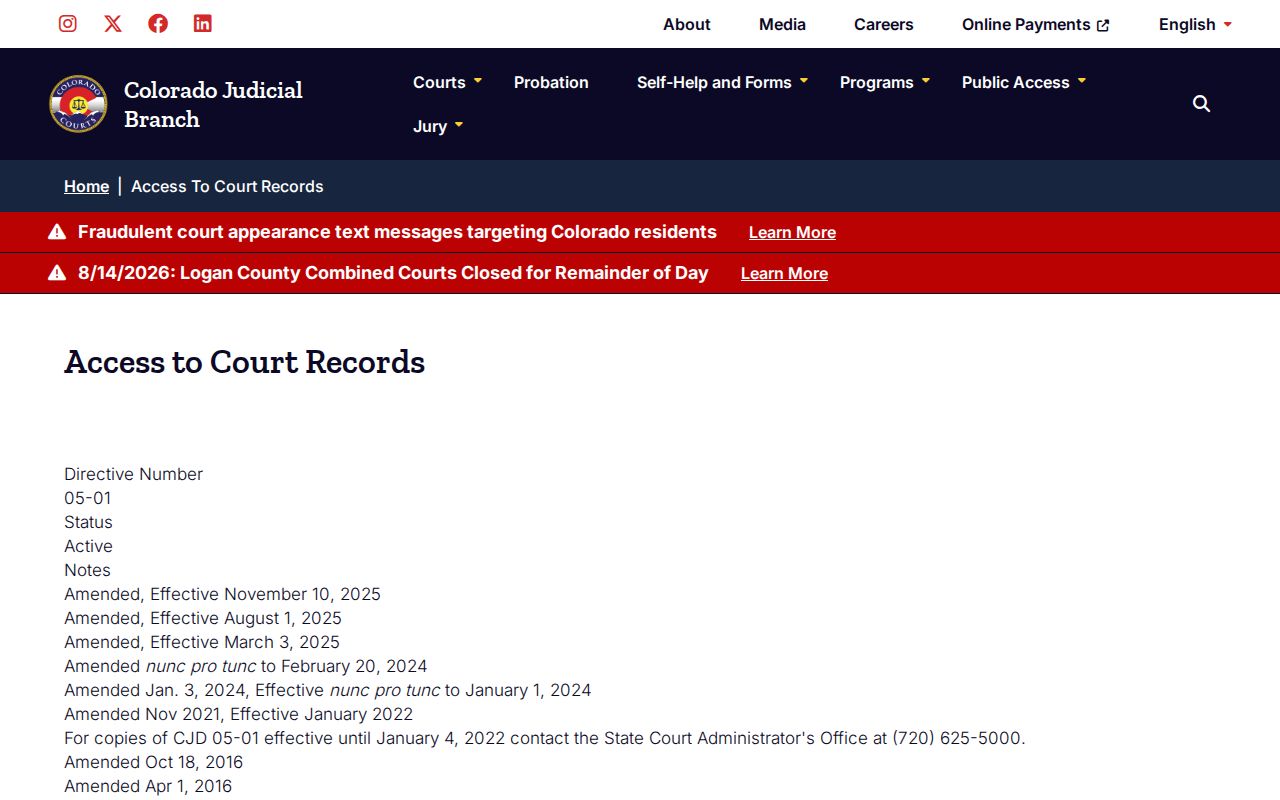
Remote access can be narrower than walking up to the clerk's counter. Protected identifiers may be pulled from a public view. A court rule or order can also restrict a record that would otherwise exist. The right answer is the authorized request process. Don't guess at facts a public screen leaves out.
El Paso County Municipal Case Search
Municipal cases do not flow into the combined-court channel on their own. Colorado Springs and Fountain run citation paths through their own clerks. Manitou Springs posts calendar PDFs. Monument and Palmer Lake lean more on direct clerk contact. Check the court printed on your summons. Don't assume a state search missed the case.
Access and Restricted Cases
Sealed criminal files stay closed to the public. Juvenile and dependency records get special protection. Suppressed or protected material may demand government photo identification plus proof you are entitled to see it. CJD 05-01 also shields identifiers such as account, passport, student, state-ID, and driver-license numbers.
The Sealed Case Search is deliberately narrow. It serves a defendant. It checks one case at a time. All it confirms is automatic eligible-conviction sealing under CRS 13-3-117. It reaches neither every sealing route nor municipal and federal matters.
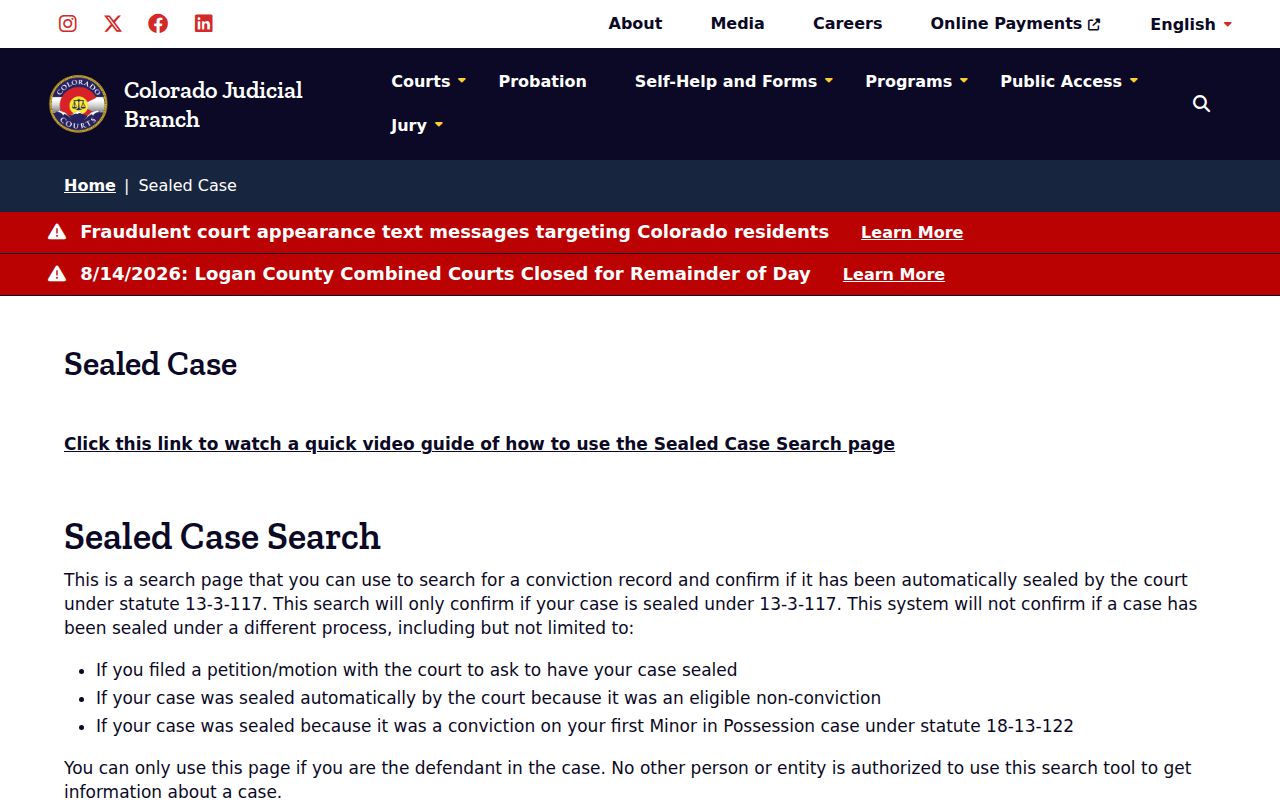
So that tool cannot serve as a general sealed-case index. A non-defendant may get no information at all, and a missing public result can stem from many causes besides sealing.
El Paso County Case Search Checklist
A sound El Paso County case search ends at the right source. Confirm the newest calendar event first. Then obtain the case-level record that answers your actual question. Keep in mind that a reset can leave an old reference behind. A virtual label alone never authorizes remote appearance.
- Use the latest case number, court level, and date window.
- Verify the location, courtroom, hearing type, and appearance mode.
- Call the assigned division after a reset or conflicting notice.
- Request the ROA for chronology and the specific filing for its text.
- Use the proper municipal clerk when the summons names a city court.
Need documents once the case is located? The detailed El Paso County court records process walks through copy choices, fees, and clerk channels.